
Enable Acronis status emails
Enable email notifications or scheduled reports for backup results in your Acronis environment.
Acronis already emails you about every backup. BackupMonitor turns those status emails into one dashboard across all workloads and customers.
Acronis Cyber Protect and True Image report backup results by email - per workload, per device, per customer. In an MSP mailbox that quickly adds up to dozens of status emails a day: individual failures get lost in the noise, and emails that never arrive are only noticed when it is too late.
BackupMonitor collects all Acronis status emails in one mailbox, detects device, job and status automatically, and treats missing expected emails as errors.
Enable email notifications or scheduled reports for backup results in your Acronis environment.
Add your personal BackupMonitor address as a recipient, or forward the emails with a mail rule. No agent and no API access required.
BackupMonitor detects device, job and status from each email. If an expected email does not arrive, it is flagged as an error.
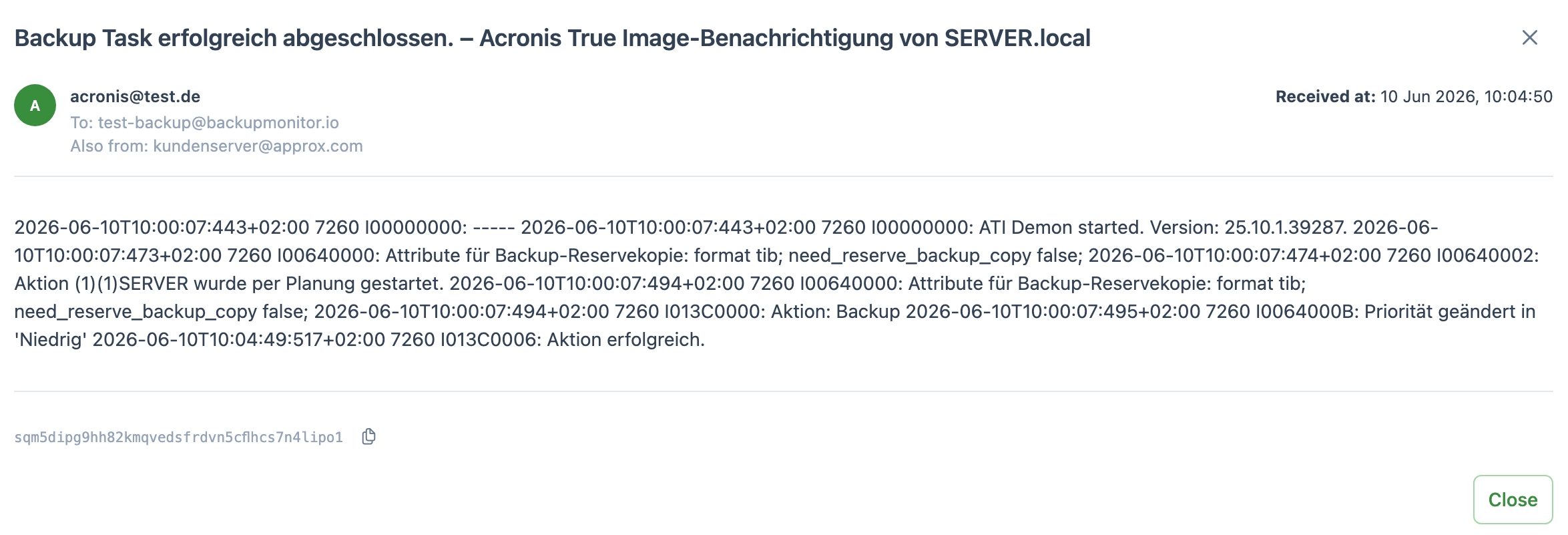
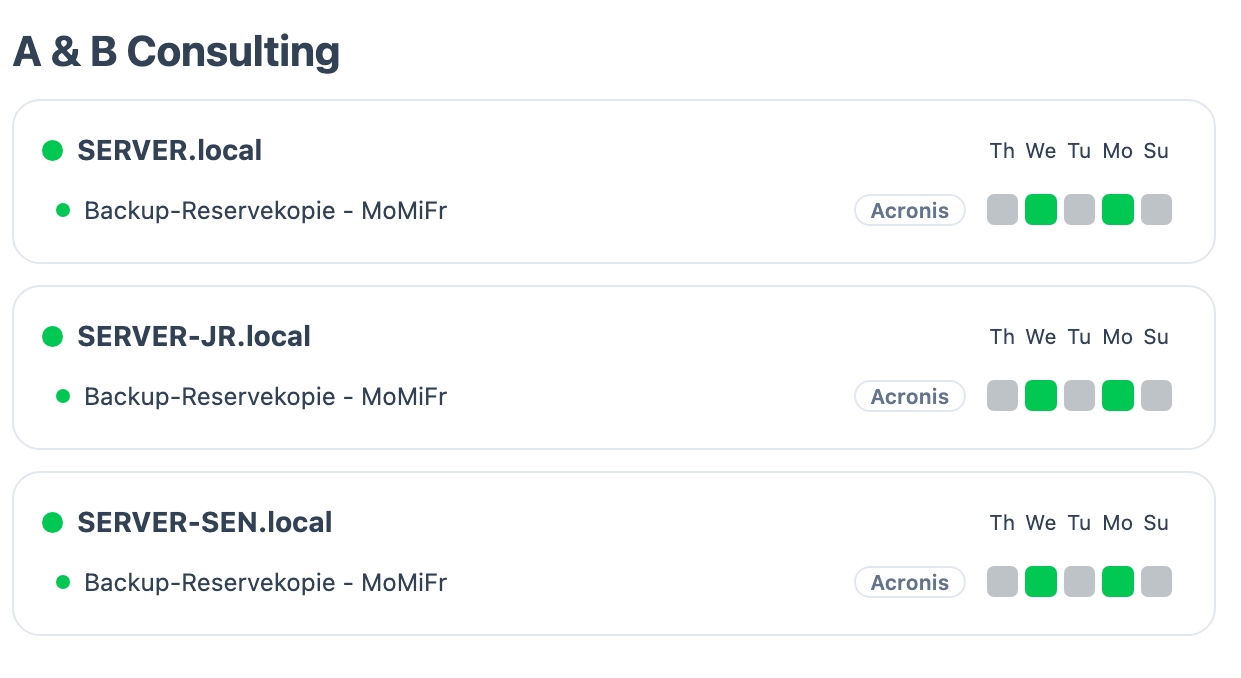
BackupMonitor ships with parsers for the status emails of these Acronis products:
BackupMonitor parses status emails from Acronis Cyber Protect and Acronis True Image as well as classic Acronis backup notifications. If your Acronis emails look different, contact us - we add parsers regularly.
No. BackupMonitor works entirely from the status emails Acronis already sends. No agent, no API keys, no access to your Acronis tenant.
Missing expected emails are treated as errors. A backup that silently stops reporting shows up as a problem on the dashboard instead of going unnoticed.
Yes. All status emails arrive in one mailbox, and devices can be organized into groups per customer or site. Weekly summaries and service desk alerts keep the whole team informed.
No credit card, nothing to install - the demo ends automatically.