
Enable status emails
Enable email notifications for backup job results in your Hornetsecurity or Altaro environment.
Whether classic Altaro VM Backup or Hornetsecurity 365 Total Backup: the status emails land in one BackupMonitor dashboard.
Hornetsecurity VM Backup (formerly Altaro) and 365 Total Backup report every job by email - per host, per tenant, per customer. MSPs running many installations see dozens of similar status emails a day: individual failures slip through, and a host that stops reporting goes unnoticed.
BackupMonitor collects all Hornetsecurity and Altaro emails in one mailbox, detects host, job and status automatically, and treats missing expected emails as errors.
Enable email notifications for backup job results in your Hornetsecurity or Altaro environment.
Add your personal BackupMonitor address as a recipient, or forward the emails with a mail rule. No agents, no configuration.
BackupMonitor detects host, job and status from each email. If an expected email does not arrive, it is flagged as an error.
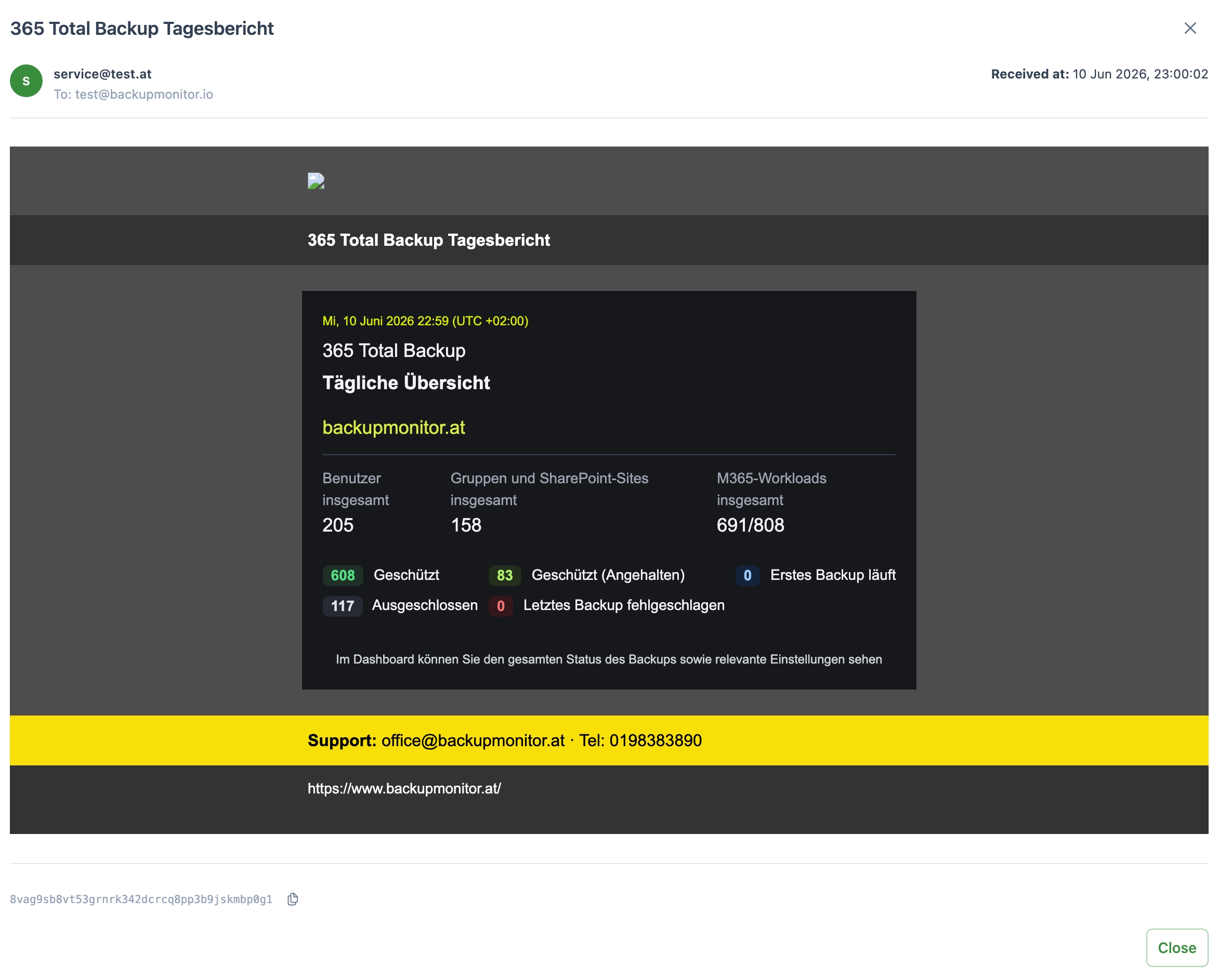
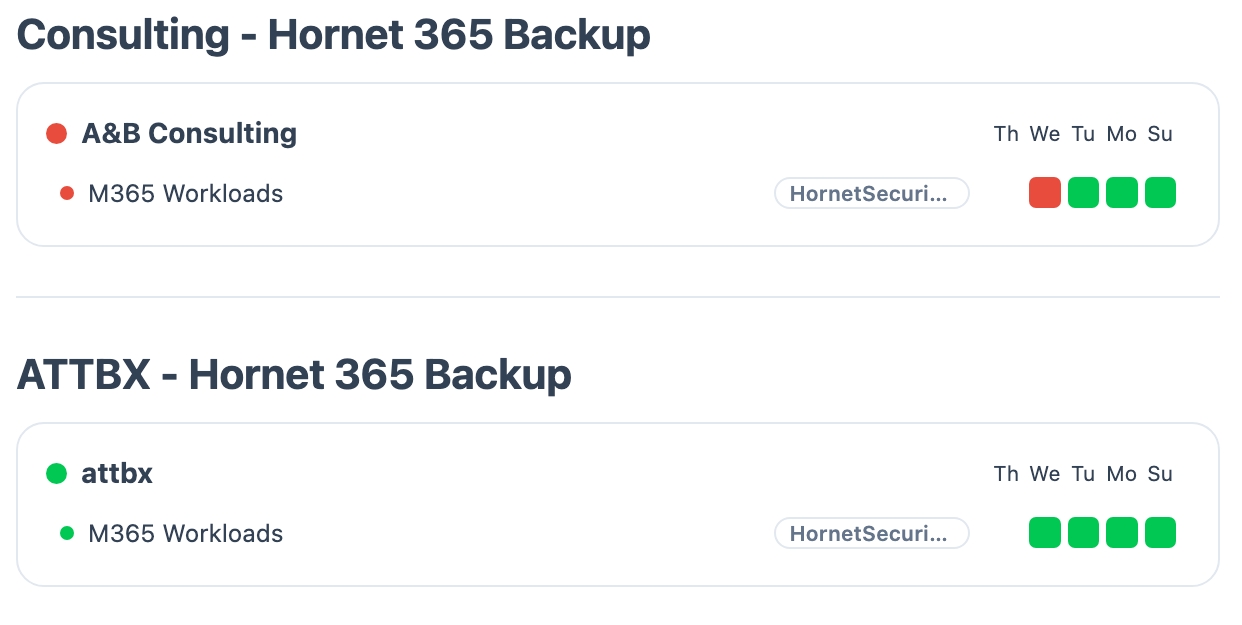
BackupMonitor ships with parsers for the standard status emails of these products:
Yes. Both classic Altaro VM Backup status emails and current Hornetsecurity VM Backup emails are recognized - migrating to the new branding changes nothing about your monitoring.
Yes. Status emails from 365 Total Backup are parsed into backup entries just like any other product, so Microsoft 365 backups show up next to your VM backups.
No. BackupMonitor only reads the status emails your backup software already sends. There are no agents and no access to your infrastructure.
If an expected status email does not arrive, BackupMonitor flags it as an error on the dashboard - so a host that silently stops backing up does not go unnoticed.
No credit card, nothing to install - the demo ends automatically.